

Create a Space
Spaces are how MeetAndy organizes work for a project.
A Space in MeetAndy represents one project on your team, usually one product, codebase, or work-stream. Each Space connects to one or more Git repositories (GitHub or GitLab), an optional Jira project, a Slack channel, and the people working on it. You can also link Confluence spaces and Google Drive resources from Space settings later.
You'll typically create one Space per project. Most teams have a few; large teams may have dozens.
Anyone with the Manager or Admin role can create a Space.
Create a Space
- Open Spaces from the sidebar. Your Spaces are listed here.
- Click Create space in the top-right corner.
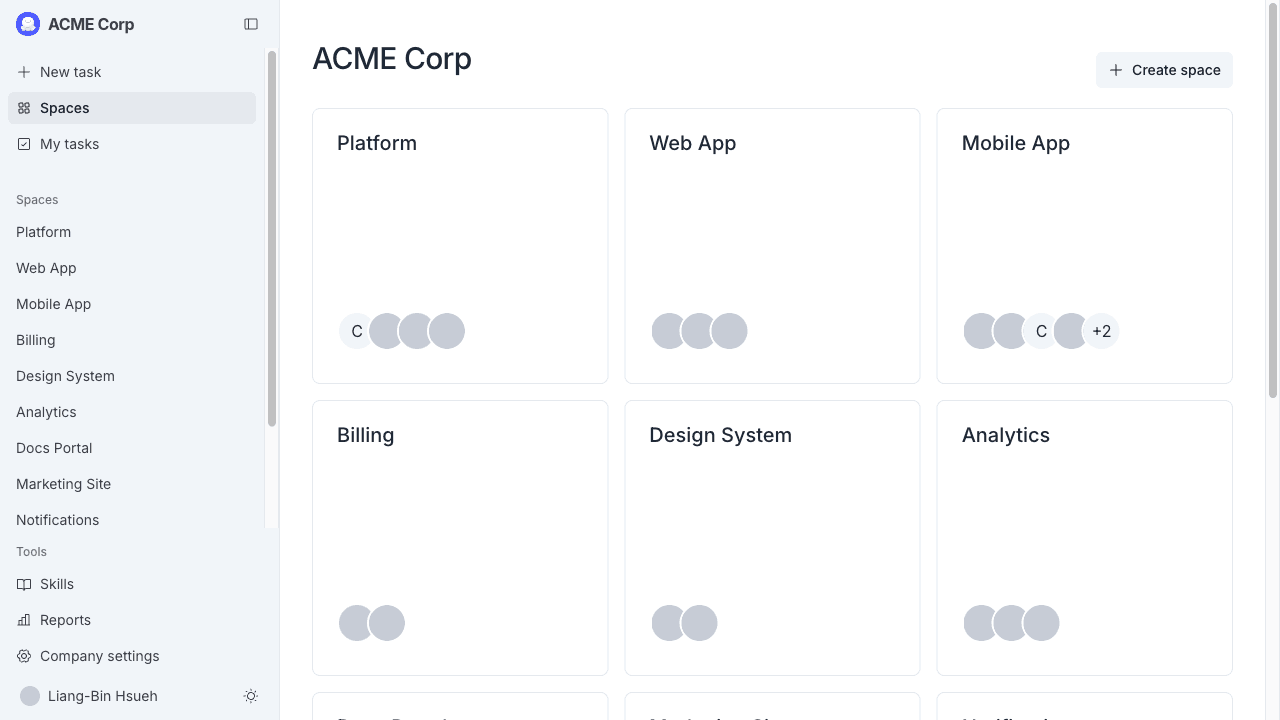
A full-screen dialog opens and walks you through three steps.
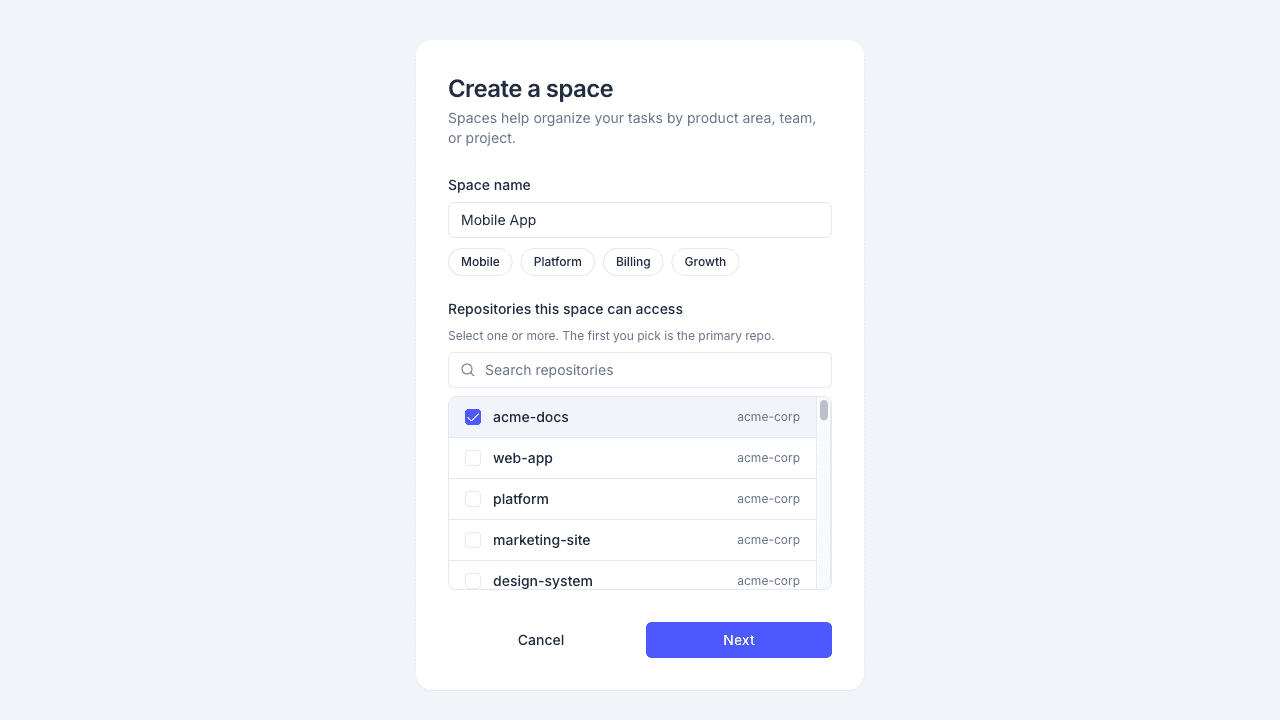
Step 1: Name your Space and pick repositories
- Type a name for the Space. This is what appears in the sidebar and is used to identify the Space across MeetAndy.
- Under Repositories this space can access, select one or more GitHub or GitLab repositories. Only repos available through your GitHub or GitLab installation appear. A repository can be linked to more than one Space.
Click Next when you're done.
If your company hasn't connected GitHub or GitLab yet, this step shows a prompt to set one up instead of the repository list.
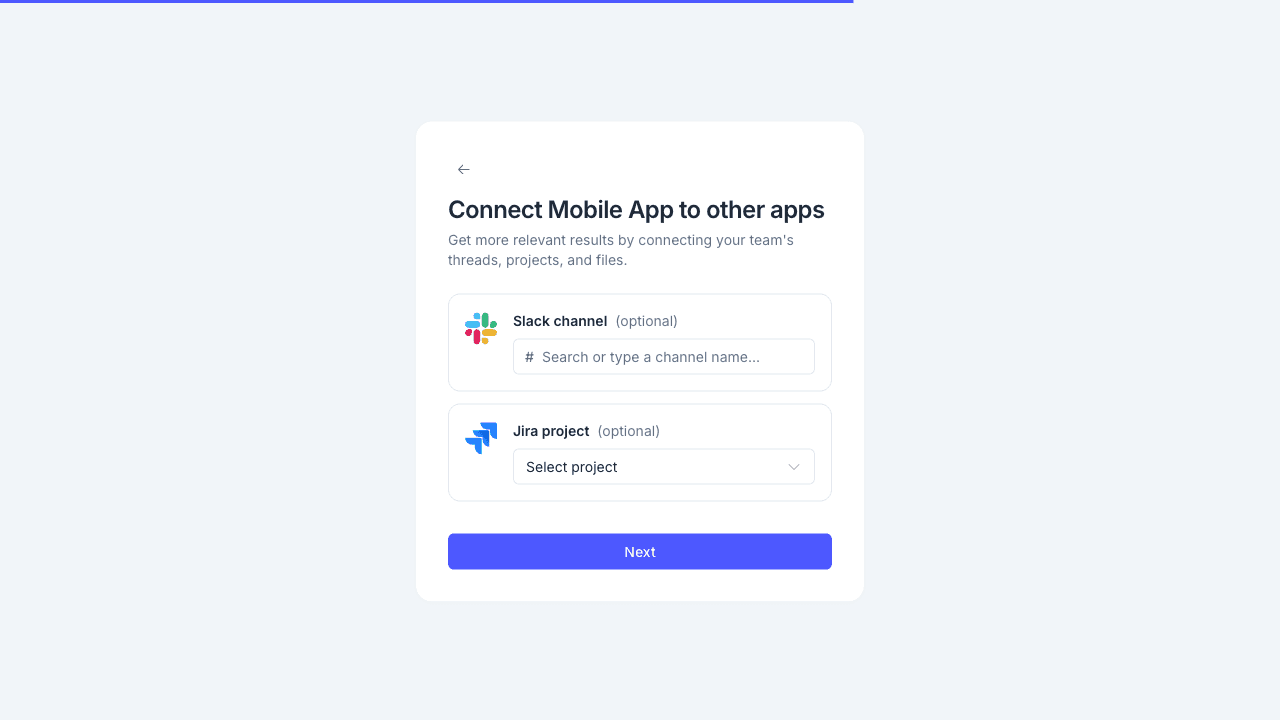
Step 2: Connect other apps
Connect the Slack channel and Jira project for this Space. Both are optional, and you can add or change them later in Space settings.
- Slack channel: type the channel name (for example,
#mobile-app). Andy posts updates here and responds to @mentions in this channel. - Jira project: pick a Jira project if your team tracks work there. See Connect Jira.
Click Next.
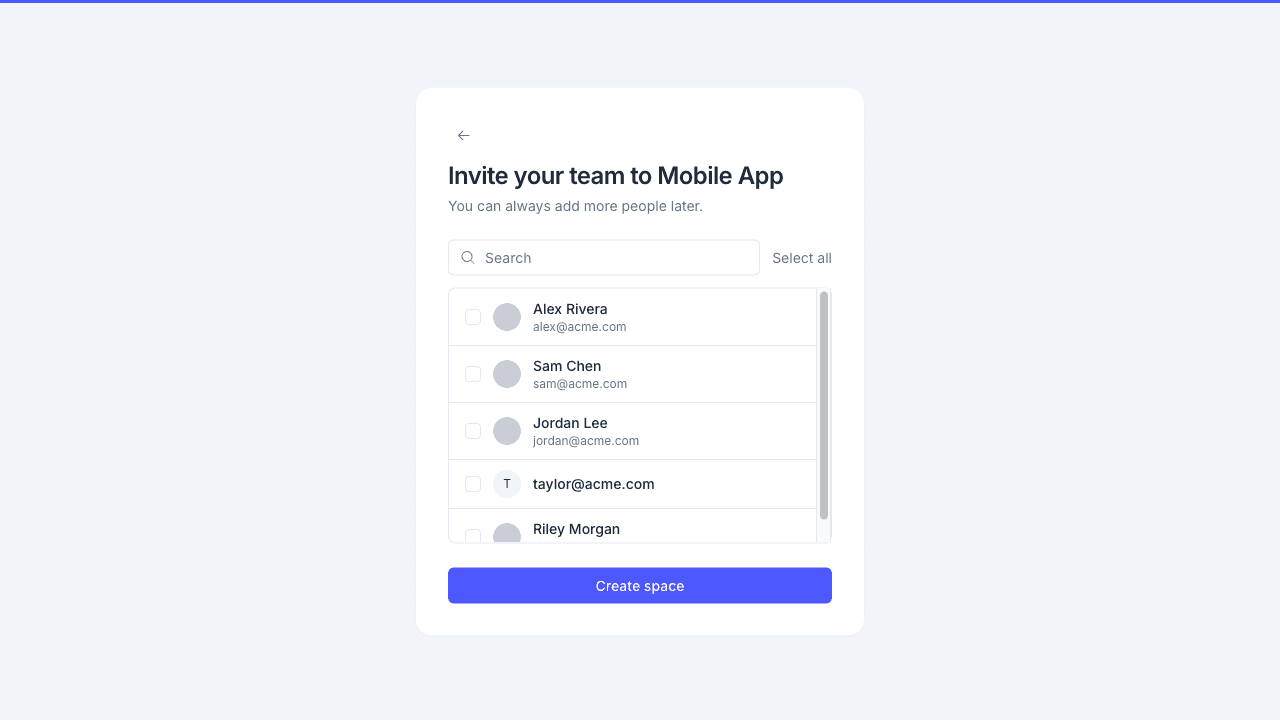
Step 3: Invite teammates
Optionally invite teammates to the Space. You can skip this step and add members later from Space settings → Members.
Click Create space.
What happens after you create a Space
MeetAndy shows a brief loading screen while Andy scans your connected repositories and Jira project to build initial Space Memory. A banner on the Space page tracks the progress and shows how many memories Andy learned when the scan finishes.
Once the scan is done, mention @MeetAndy in your Slack channel and ask it something. See Working with Andy in Slack for what to try first.
To add Confluence, Google Drive, or adjust any settings, open Space settings from the Space's left-hand menu. See Configure your Space.