

Company settings
Company settings
Configure your company's name, user access, billing, and cloud environment from the Company settings section of MeetAndy.
Company settings are available to Company Admin. Open them from the sidebar under Manage, or go directly to hub.meetandy.ai/manage.
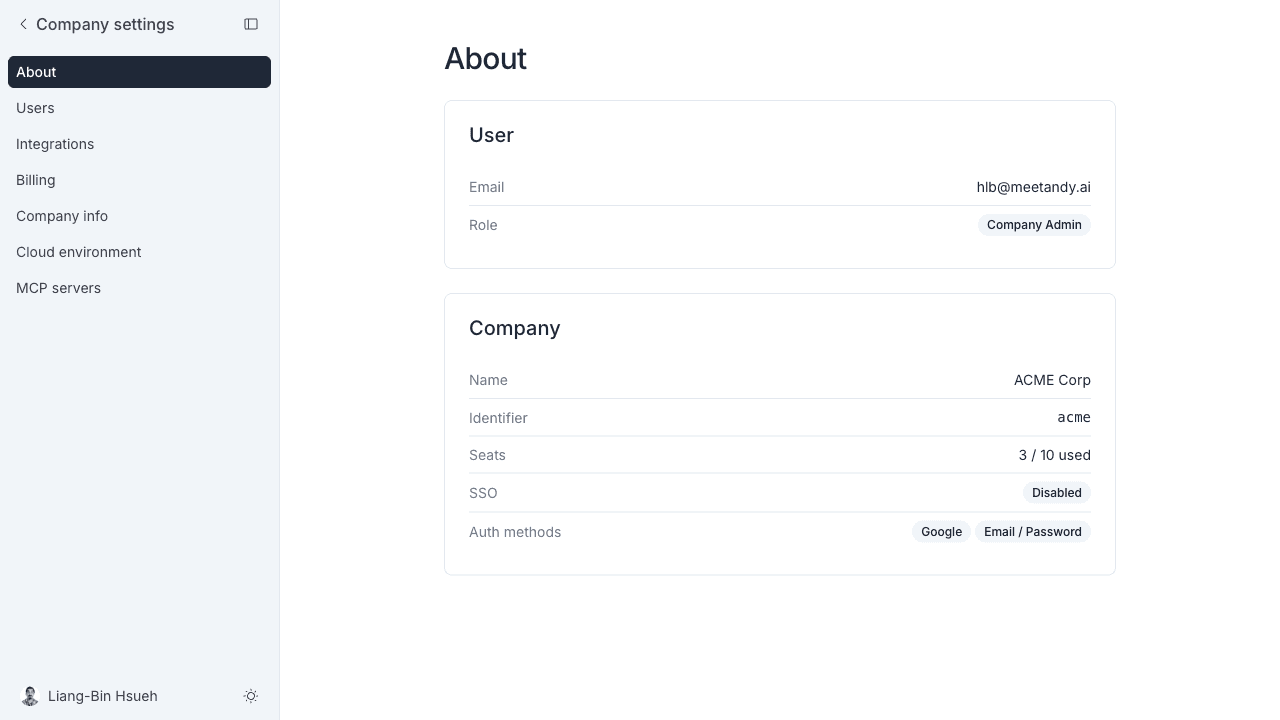
The section opens on About, a read-only summary of your own account and your company's name, identifier, seat usage, and sign-in methods.
What's in this section
Skills sits under Tools in the sidebar rather than Manage, but it is a company-wide setting like the rest of this section.
Integrations
Integrations (GitHub, GitLab, Slack, Google Chat, Jira, Confluence) are connected from Manage → Integrations. See the relevant guides in Getting started.